Linkkit Team
Building the future of link management and analytics.
If you’ve ever shared a link in an email, social post, or campaign and wondered “did anyone actually click this?” — you’re not alone.
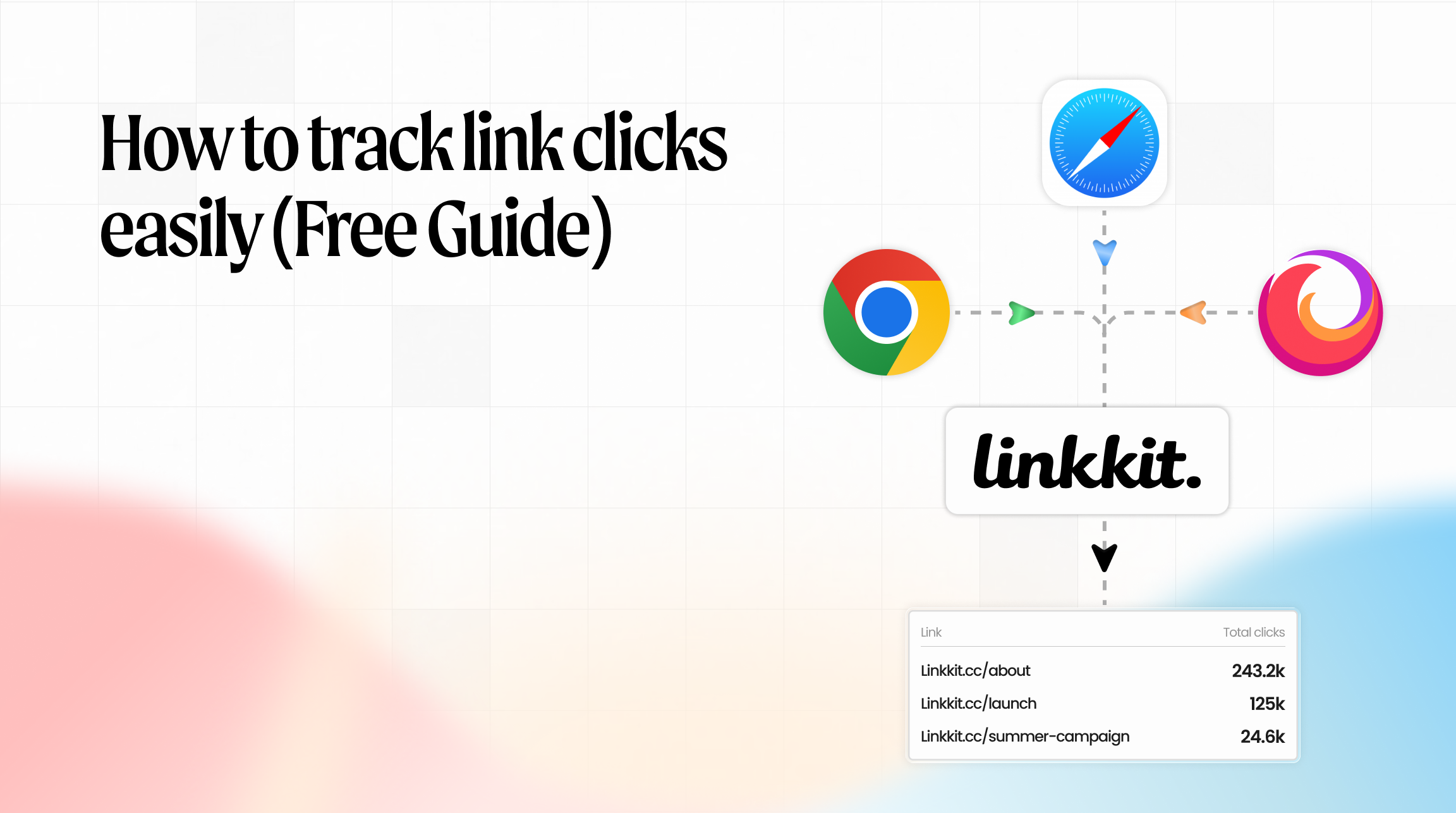
A lot of people search for how to track link clicks because they simply want to know what’s working and what isn’t. Not everyone needs advanced analytics software. Sometimes you just need a simple way to see clicks and basic link performance.
This guide explains an easy, practical way to do link click tracking without technical setup or complex tools.
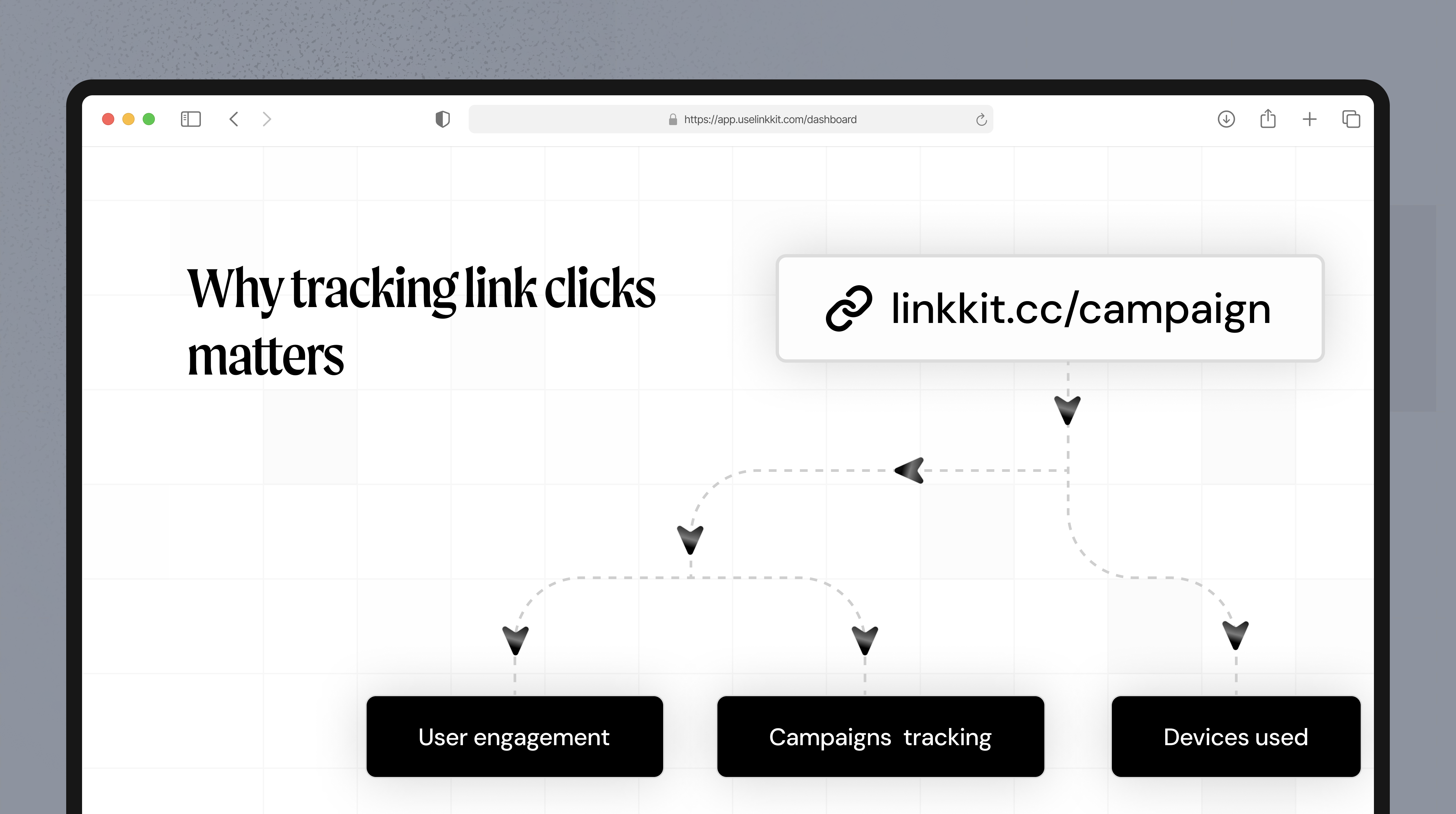
Why tracking link clicks matters
Being able to track clicks on a link helps you understand:
Which links people open
Where your traffic comes from
Which campaigns perform better
Whether a QR code is being scanned
Without this data, you’re guessing.
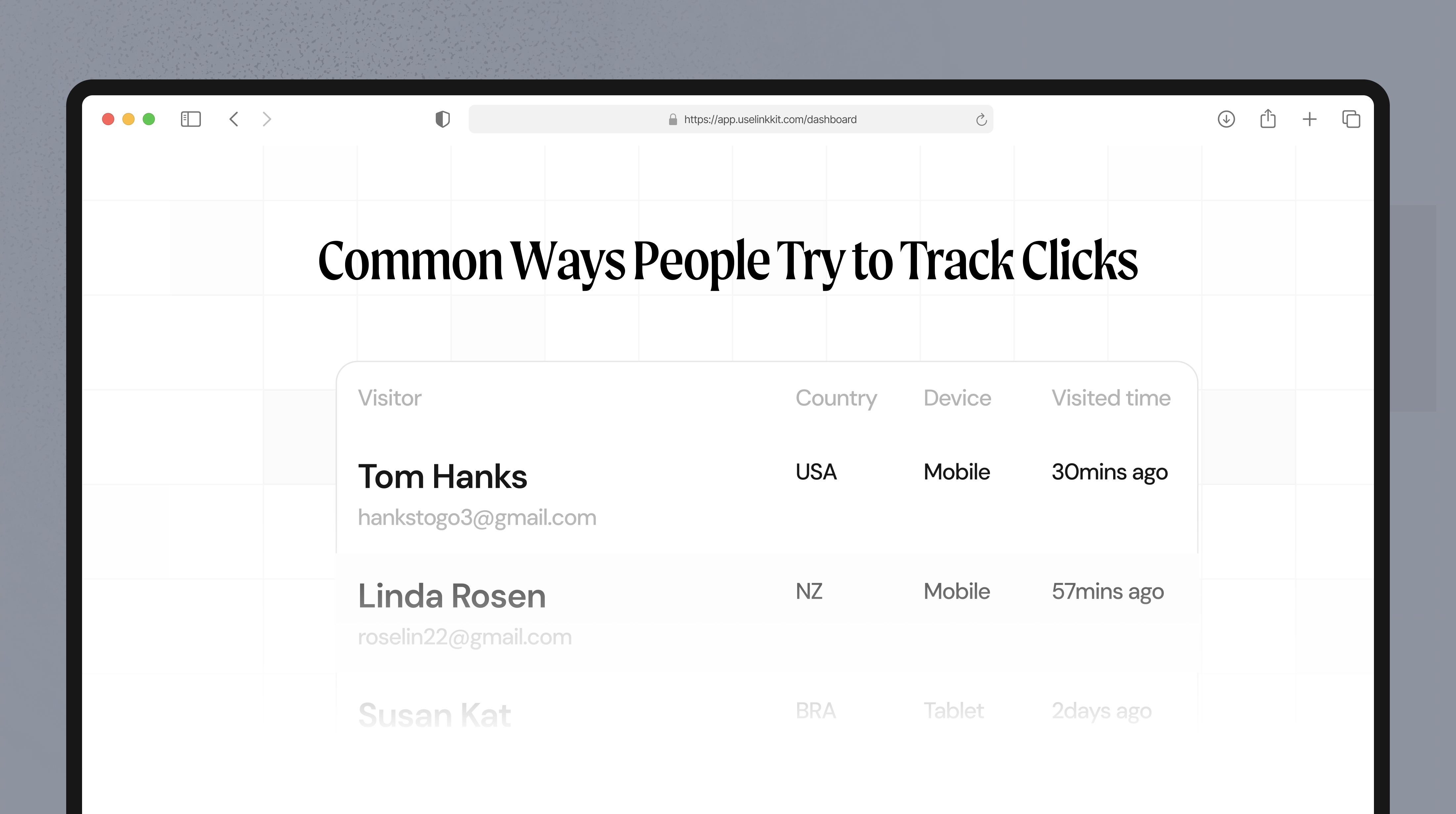
Common ways people try to track clicks
Many start with website analytics. That’s useful, but it often shows page visits rather than which specific link someone clicked.
Others use UTM parameters, but links become long and messy.
For most use cases, using short links with analytics is the simplest option.
The easiest way to track link clicks
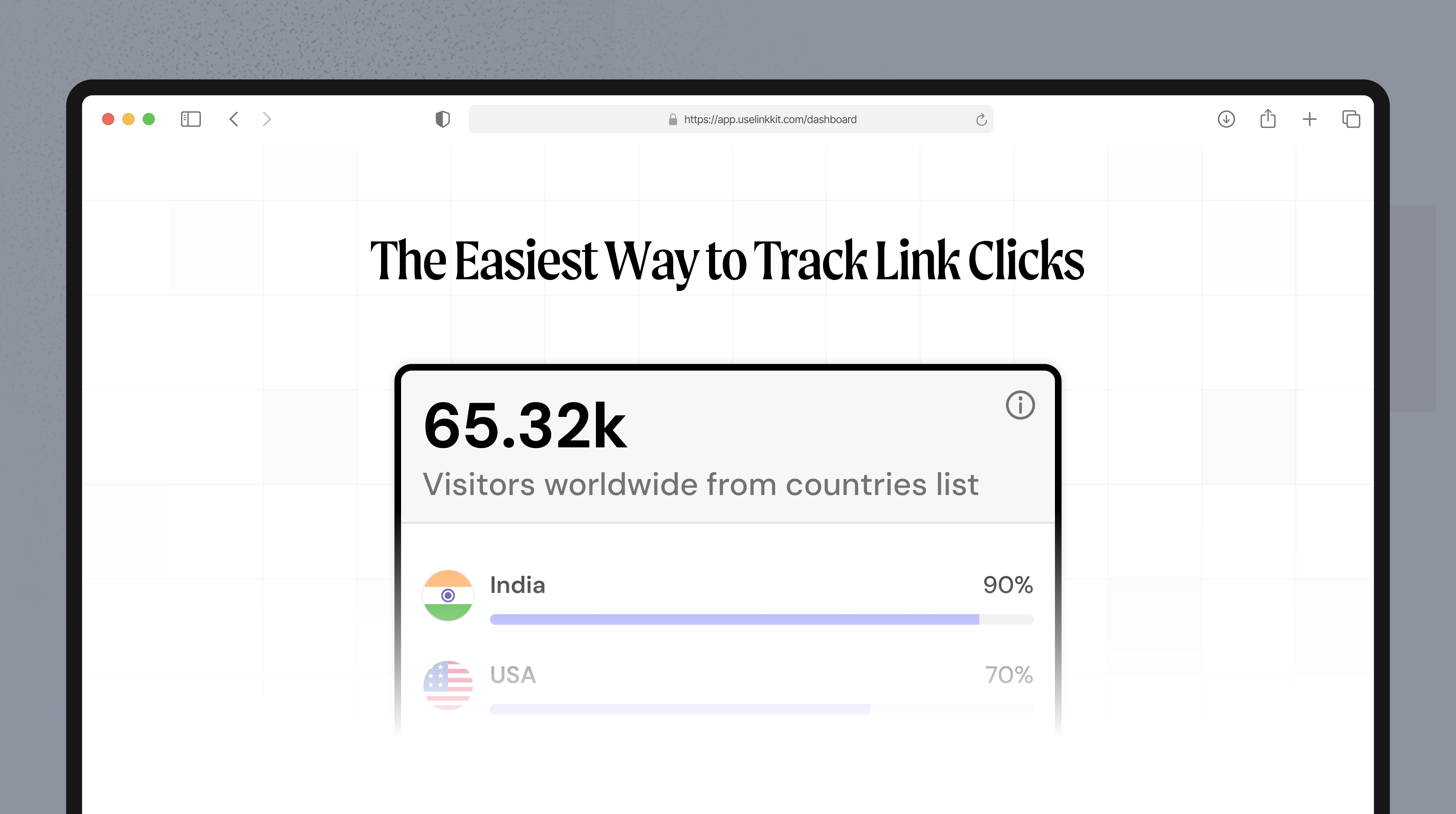
The easiest method is using a link analytics tool that creates short links and automatically tracks clicks.
The basic process:
Paste your original link
Generate a short link
Share it
View click stats
Every time someone clicks, the system records it.
No coding. No setup.
What a good link tracking tool should show
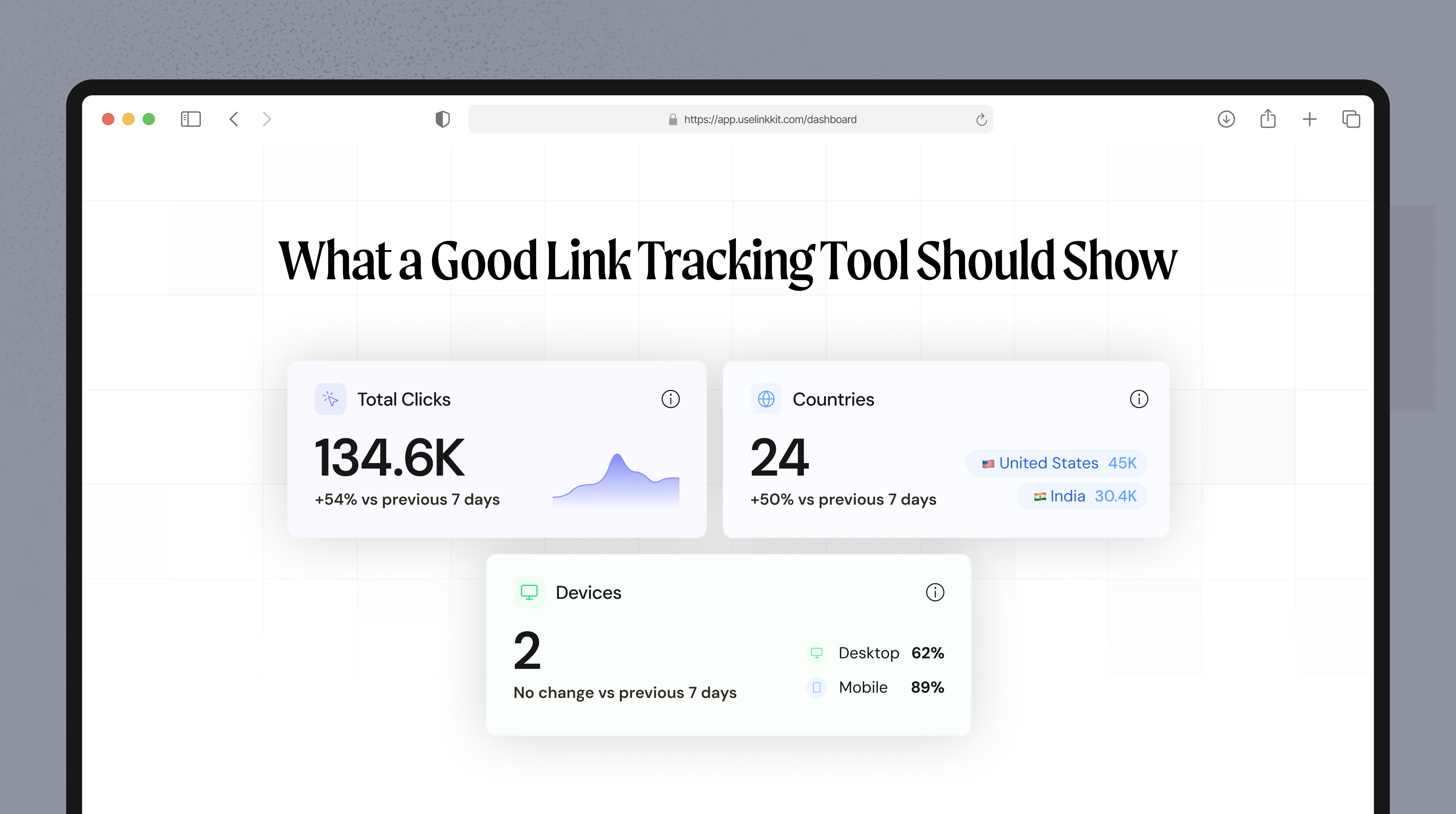
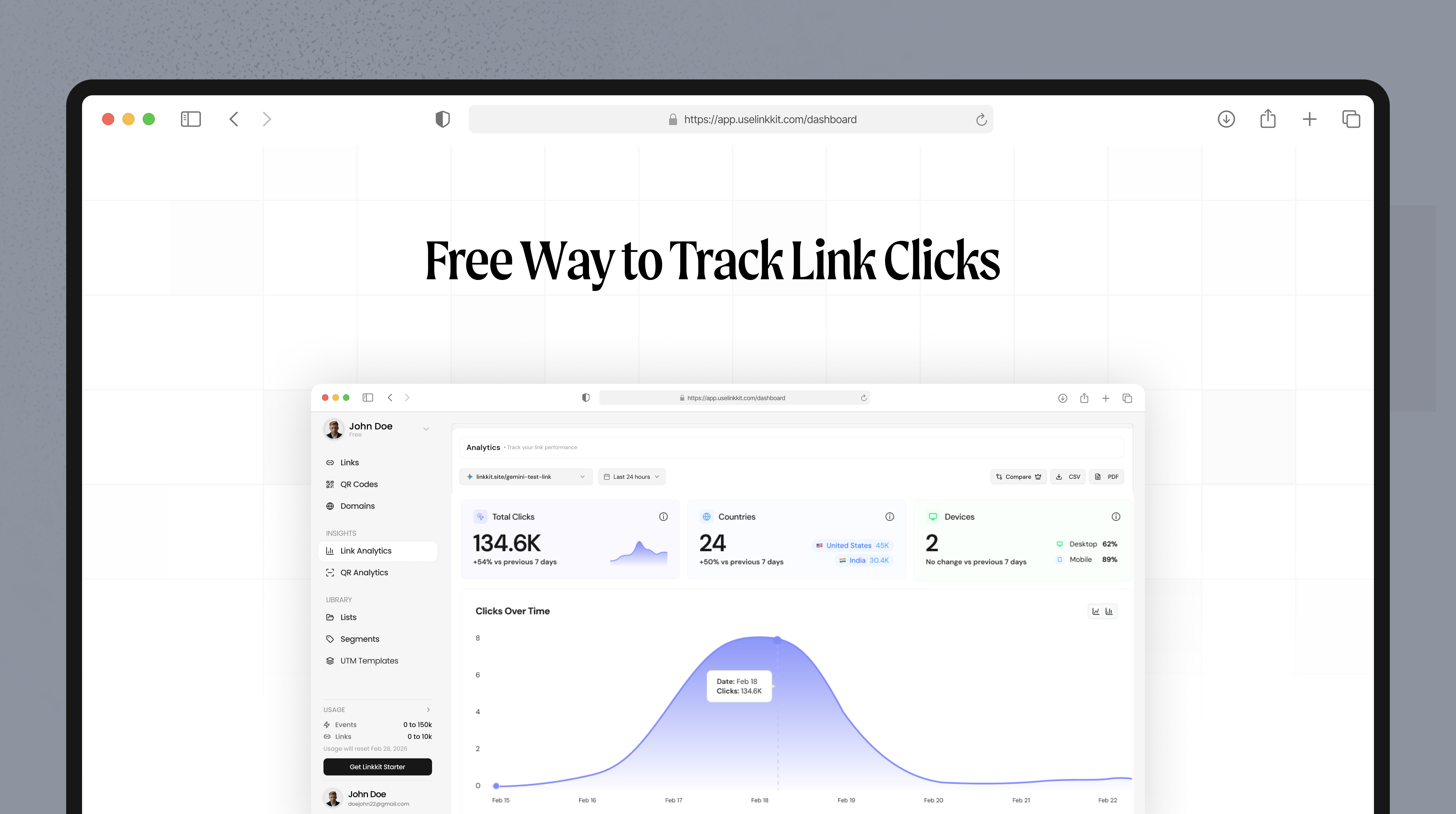
A basic free link tracking tool should display:
Total clicks
Clicks over time
Country or region
Device type (mobile/desktop)
Referrer source
This information alone is enough for most marketers and founders.
Using short links for different channels
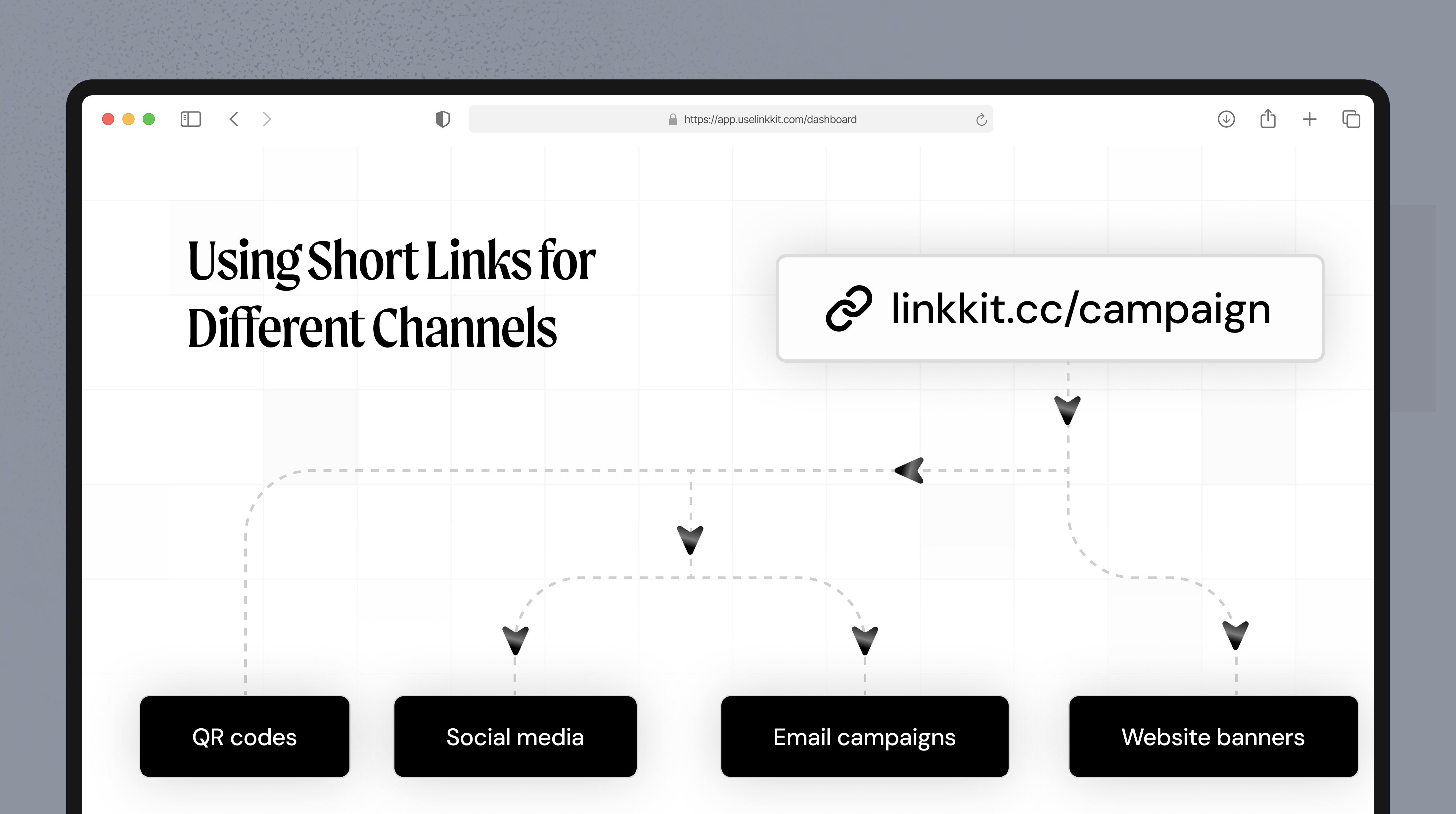
Create different short links for:
Email campaigns
Social media
QR codes
Website banners
This makes it easy to compare results and know if a link was clicked from each source.
Free way to track link clicks
LinkKit offers short links with built-in analytics and a free plan.
You can:
Create short links
Track link clicks in real time
Generate QR codes
Use a simple dashboard
If you’re looking for a lightweight link click tracking tool, LinkKit is a practical option.
Try it at uselinkkit.com.
Best practices
Use one short link per channel
Name links clearly
Check analytics weekly
Focus on trends, not single clicks
A quick wrap-up
Most people don’t need an advanced analytics stack just to see if their links are getting clicks.
If you share links in emails, social posts, or campaigns, having a simple way to check what’s being clicked can save a lot of guesswork. Short links with built-in analytics do exactly that — without extra setup or complexity.
Start simple, track what matters, and adjust as you go.