Linkkit Team
Building the future of link management and analytics.
How to Use UTM Parameters with Short Links — Complete Guide 2026
You're running a campaign across email, Instagram, and paid ads. All three link to the same landing page. Traffic is coming in — but Google Analytics shows everything lumped together under "direct" or "referral" with no clear breakdown.
You don't know which channel is driving signups. You don't know if your email or your ad is working. You're flying blind.
UTM parameters fix this. And when you combine them with short links, you get clean, trackable, shareable URLs that tell you exactly where every click came from — without the long, ugly parameter strings showing in your links.
This guide covers everything you need to know: what UTM parameters are, how they work, how to build them correctly, and how to use Linkkit to turn long UTM URLs into clean branded short links.
What Are UTM Parameters?
UTM parameters are small pieces of text you add to the end of a URL that tell analytics tools — like Google Analytics — where a click came from.
UTM stands for Urchin Tracking Module, named after Urchin Software, the company Google acquired in 2005 that became Google Analytics.
Here's a URL without UTM parameters:
https://uselinkkit.com/pricing
Here's the same URL with UTM parameters added:
https://uselinkkit.com/pricing?utm_source=newsletter&utm_medium=email&utm_campaign=july-launch
When someone clicks the second link, Google Analytics records exactly which source, medium, and campaign sent that visitor. You can then compare performance across every channel in one place.
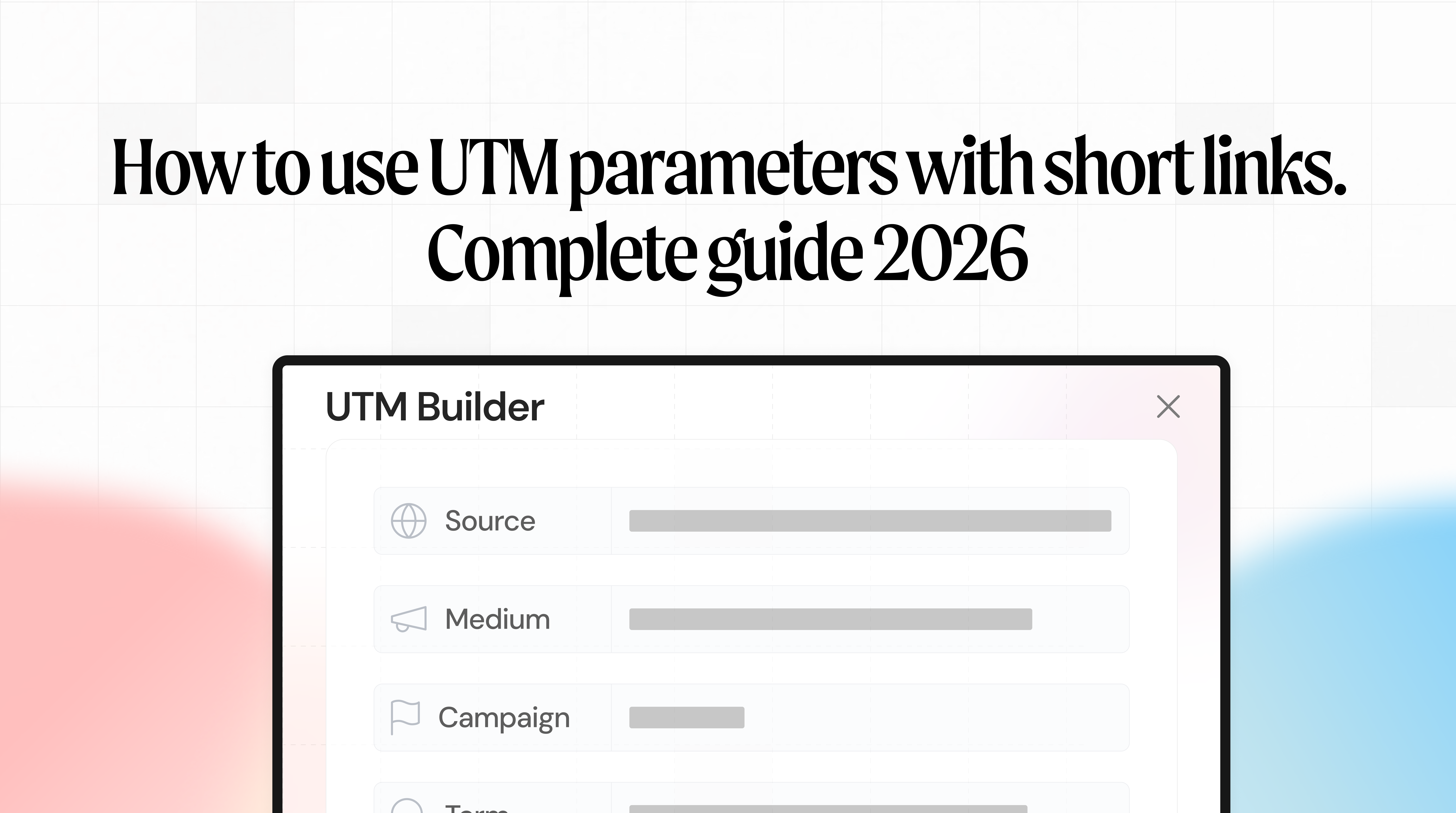
The 5 UTM Parameters Explained
There are five UTM parameters. Three are essential. Two are optional but useful.
utm_source — Required
What it tracks: Where the traffic came from — the specific platform or publisher.
Examples: newsletter, google, facebook, instagram, twitter, linkedin
?utm_source=newsletter
utm_medium — Required
What it tracks: The type of marketing channel — how the link was delivered.
Examples: email, cpc, social, organic, banner, qr
?utm_medium=email
utm_campaign — Required
What it tracks: The specific campaign name — what marketing initiative this link belongs to.
Examples: july-launch, summer-sale, product-update, black-friday
?utm_campaign=july-launch
utm_term — Optional
What it tracks: The paid keyword that triggered the ad. Used for Google Ads campaigns.
Examples: link+shortener, branded+short+links, url+shortener+free
?utm_term=link+shortener
utm_content — Optional
What it tracks: Which specific link or creative was clicked — useful for A/B testing.
Examples: hero-cta, footer-link, blue-button, text-link
?utm_content=hero-cta
How to Build a UTM URL — Step by Step
Building a UTM URL is straightforward. Follow these steps every time.
Step 1 — Start with your destination URL
Use the exact page you want to send people to.
https://uselinkkit.com/pricing
Step 2 — Add a ? after the URL, then your first parameter
https://uselinkkit.com/pricing?utm_source=newsletter
Step 3 — Add more parameters using & between each one
https://uselinkkit.com/pricing?utm_source=newsletter&utm_medium=email&utm_campaign=july-launch
Step 4 — Shorten the URL with Linkkit
Paste the full UTM URL into Linkkit, set your branded slug, and get a clean short link:
yourbrand.link/july-launch
The UTM parameters still fire when someone clicks — they just don't see the ugly string in the URL.
UTM Parameter Rules You Must Follow
Getting UTM parameters wrong means dirty data in your analytics. Follow these rules every time.
Use lowercase consistently
UTM parameters are case-sensitive. utm_source=Email and utm_source=email are treated as two different sources in Google Analytics. Pick lowercase and stick to it across every link you create.
Use hyphens, not spaces
Spaces break URLs. Use hyphens to separate words in your values.
✅ utm_campaign=july-launch ❌ utm_campaign=july launch
Be consistent with naming
If you call your email channel email in one campaign and newsletter in another, your data splits into separate rows and you can't compare campaigns properly.
Pick a naming convention before you start and document it. Use it every time.
Never use UTM parameters on internal links
UTM parameters are for external traffic only — links you share outside your website. Adding them to internal links resets the session source in Google Analytics and corrupts your data.
Always use all three required parameters
utm_source, utm_medium, and utm_campaign are required on every link. Missing any one of them gives you incomplete data.
UTM Parameter Examples for Every Channel
Email Marketing
https://uselinkkit.com/pricing?utm_source=newsletter&utm_medium=email&utm_campaign=july-launch&utm_content=hero-cta
Shortened: yourbrand.link/email-july
Use utm_content to differentiate between the top CTA button and the footer link in the same email.
Instagram and Social Media
https://uselinkkit.com/pricing?utm_source=instagram&utm_medium=social&utm_campaign=july-launch
Shortened: yourbrand.link/ig-july
Add to your Instagram bio link. Every click tracked — separate from your email and paid traffic.
Facebook or Instagram Ads
https://uselinkkit.com/pricing?utm_source=facebook&utm_medium=cpc&utm_campaign=july-launch&utm_content=carousel-ad
Shortened: yourbrand.link/fb-july
Use utm_content to compare different ad creatives in the same campaign.
Google Ads
https://uselinkkit.com/pricing?utm_source=google&utm_medium=cpc&utm_campaign=july-launch&utm_term=link+shortener+free
Google Ads can auto-insert UTM parameters using ValueTrack — but adding them manually gives you more control over naming conventions.
QR Codes for Print
https://uselinkkit.com/pricing?utm_source=flyer&utm_medium=qr&utm_campaign=july-launch
Shortened and QR generated: yourbrand.link/flyer-july
Every QR scan tracked. You can see exactly how many people scanned your flyer versus clicked your email.
Partner or Affiliate Links
https://uselinkkit.com/pricing?utm_source=partnername&utm_medium=referral&utm_campaign=july-launch
Shortened: yourbrand.link/partner-july
Give each partner a unique UTM source so you can measure their contribution separately.
How to Use UTM Parameters with Linkkit
Linkkit is the cleanest way to manage UTM links. Here's the exact workflow.
Step 1 — Build your full UTM URL
Use the UTM examples above or a UTM builder tool to create your full tracking URL.
Step 2 — Paste it into Linkkit as the destination
Go to your Linkkit dashboard and create a new link. Paste the full UTM URL — including all parameters — as the destination URL.
Step 3 — Set your branded slug
Choose a clean, readable slug for the short link:
yourbrand.link/july-emailyourbrand.link/ig-launchyourbrand.link/summer-flyer
Step 4 — Share the short link
Your audience sees yourbrand.link/july-email. When they click it, they land on your page — and your analytics tools receive the full UTM data in the background.
Step 5 — Track clicks in both Linkkit and Google Analytics
In Linkkit: see total clicks, location, device, referrer, and real-time data for that specific link.
In Google Analytics: see sessions, conversions, and revenue broken down by UTM source, medium, and campaign.
You now have two layers of data — link-level from Linkkit, and campaign-level from Google Analytics — giving you a complete picture of every campaign.
Learn more about Linkkit's click analytics.
Why Short Links Make UTM Tracking Better
Raw UTM URLs are long, ugly, and untrustworthy. Nobody wants to click a URL that looks like this:
https://uselinkkit.com/pricing?utm_source=newsletter&utm_medium=email&utm_campaign=july-launch&utm_content=hero-cta
Shortening UTM URLs with Linkkit solves four problems at once.
They look professional yourbrand.link/july-launch looks intentional. A 200-character URL with UTM strings looks like something went wrong.
They get higher click-through rates Branded short links consistently outperform generic URLs in email and social. People trust links that use a recognisable domain. Read more: How branded links increased email click-through rate by 34%.
You get double tracking Linkkit tracks every click independently. Google Analytics tracks the session data. You can cross-reference both to catch discrepancies and get the most accurate picture of your campaign performance.
You can update the destination without changing the link If your landing page URL changes — or if you point the same campaign to a new page — you update the destination in Linkkit. The short link stays the same. The UTM parameters stay intact. Nothing breaks. Read more about editing your short link destination.
UTM Naming Convention Template
Copy this template and use it across every campaign.
Channel | utm_source | utm_medium | utm_campaign |
|---|---|---|---|
Email newsletter |
|
|
|
Transactional email |
|
|
|
Instagram organic |
|
|
|
Facebook organic |
|
|
|
Instagram ads |
|
|
|
Facebook ads |
|
|
|
Google Search ads |
|
|
|
Print QR code |
|
|
|
Partner referral |
|
|
|
LinkedIn post |
|
|
|
YouTube description |
|
|
|
Twitter/X post |
|
|
|
Campaign naming format: product-launch-july / summer-sale-2026 / black-friday-2026
Save this table somewhere your whole team can access it. Consistent naming is the single most important thing for clean UTM data.
Common UTM Mistakes and How to Avoid Them
Mistake 1 — Inconsistent capitalisation utm_source=Email and utm_source=email appear as two separate rows in Google Analytics. Always lowercase.
Mistake 2 — No naming convention If three people in your team use different campaign names for the same campaign, your data splits. Document your naming convention before you start and enforce it.
Mistake 3 — Adding UTM parameters to internal links This resets the session source for that visitor and corrupts your attribution data. UTM parameters are for external links only.
Mistake 4 — Forgetting utm_content for A/B tests If you're sending the same campaign email with two different CTA placements, use utm_content=top-cta and utm_content=footer-cta to compare them. Without this, the clicks merge together and you can't tell which worked.
Mistake 5 — Not shortening UTM URLs Long UTM strings in emails can trigger spam filters. They look untrustworthy in social posts. They break in SMS. Always shorten them with Linkkit before sharing.
Mistake 6 — Not documenting your links Create a simple spreadsheet with every UTM link you create — the short link, the full UTM URL, the channel, and the campaign. You'll thank yourself later when you're trying to analyse results from three months ago.
How to Check UTM Data in Google Analytics
Once your UTM links are live and generating clicks, here's where to find the data in Google Analytics 4.
In GA4: Go to Reports → Acquisition → Traffic Acquisition
You'll see sessions broken down by:
Session source / medium— showing your utm_source and utm_medium valuesSession campaign— showing your utm_campaign values
To go deeper: Go to Explore → Free Form and add Source, Medium, Campaign, and Content as dimensions. Add Sessions, Conversions, and Revenue as metrics.
This gives you a full breakdown of every UTM combination and its impact on your business goals.
Conclusion
UTM parameters are the foundation of accurate marketing attribution. Without them, you don't know which channels are working. With them, you can see exactly where every visitor, lead, and sale came from — and make smarter decisions about where to spend your time and budget.
The workflow is simple:
Build your UTM URL with the right source, medium, and campaign values
Paste it into Linkkit as the destination
Create a clean branded short link
Share that short link — in emails, on social, in ads, on print QR codes
Track clicks in Linkkit and sessions in Google Analytics
Start with three required parameters on every link. Add a naming convention your team follows. Shorten every UTM link before sharing it.
Try Linkkit free today — create your first tracked, branded UTM short link in under 60 seconds. No credit card required.
Frequently Asked Questions
What are UTM parameters?
UTM parameters are tags added to the end of a URL that tell analytics tools where a click came from. They track the source (where), medium (how), and campaign (which initiative) for every link click. Google Analytics uses UTM data to show you exactly which channels are driving traffic and conversions.
What does UTM stand for?
UTM stands for Urchin Tracking Module. The name comes from Urchin Software, the company Google acquired in 2005 that became Google Analytics.
What are the 5 UTM parameters?
The five UTM parameters are: utm_source (where the traffic came from), utm_medium (the channel type), utm_campaign (the campaign name), utm_term (the paid keyword, for Google Ads), and utm_content (the specific creative or link, for A/B testing). The first three are required on every link.
Do UTM parameters work with short links?
Yes. When you shorten a UTM URL with Linkkit, the UTM parameters are preserved in the destination URL. When someone clicks the short link, they are redirected to the full UTM URL and your analytics tools receive all the tracking data correctly.
How do I shorten a UTM URL?
Build your full UTM URL first — for example, yoursite.com/page?utm_source=newsletter&utm_medium=email&utm_campaign=july-launch — then paste it as the destination in Linkkit. Linkkit creates a clean branded short link. Anyone who clicks the short link is redirected to the full UTM URL and your tracking fires normally.
Why should I use short links for UTM tracking?
Long UTM URLs look unprofessional, can trigger spam filters in email, and break in SMS messages. Shortening them with Linkkit gives you a clean branded link that looks trustworthy, gets higher click-through rates, and gives you an additional layer of click data from Linkkit alongside your Google Analytics data.
Are UTM parameters case-sensitive?
Yes. utm_source=Email and utm_source=email are treated as two different sources in Google Analytics. Always use lowercase for all UTM parameter values to keep your data clean.
Can I use UTM parameters on internal links?
No. Adding UTM parameters to links within your own website resets the session source for visitors and corrupts your attribution data. UTM parameters are for external links only — links you share in emails, on social media, in ads, or in print materials.
How do I see UTM data in Google Analytics 4?
In GA4, go to Reports → Acquisition → Traffic Acquisition. You'll see sessions broken down by source, medium, and campaign. For a deeper breakdown, use the Explore section and add Source, Medium, Campaign, and Content as dimensions.
What is the difference between utm_source and utm_medium?
utm_source identifies the specific platform or publisher that sent the traffic — for example, newsletter, google, or instagram. utm_medium identifies the type of marketing channel — for example, email, cpc, or social. Together they describe where and how someone arrived.
Linkkit is FREE to start. Create your first UTM short link today.