Build with the Linkkit system.
Use this guide for the approved logo files, color tokens, and usage rules that keep Linkkit clear across product UI, marketing, and support.
Logo wordmark & symbol
Use the full wordmark on product pages, launch decks, and any surface with enough room for a clean read.
Switch to the monochrome version when the background is noisy or the layout needs stronger contrast.
Reserve the symbol for compact placements like favicons, avatars, and small-scale product UI.












What to avoid
Examples of logo misuse so every Linkkit surface stays sharp, readable, and consistent.









Our colour
palette
Linkkit's palette keeps the product calm, clear, and easy to scan. Teal carries the primary action, while the neutrals hold the interface together.
Use the stronger colors for key moments, status states, and highlights. Keep the softer tones for canvas, surfaces, and supporting UI.
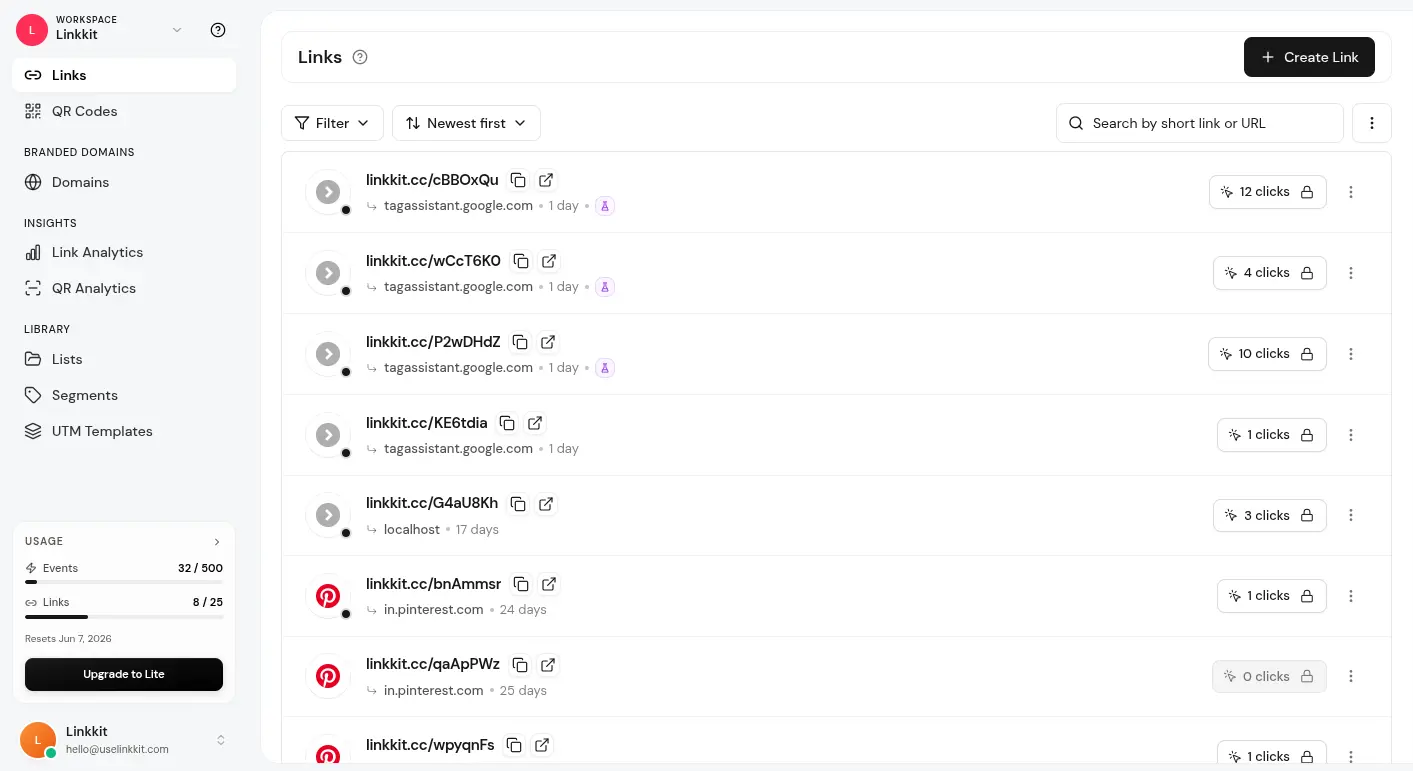
Linkkit in action
See the product context the brand system is designed to support.
Need the full Linkkit brand pack?
Download the approved logos, palette notes, and usage rules so every launch stays aligned with Linkkit.