
Google Analytics
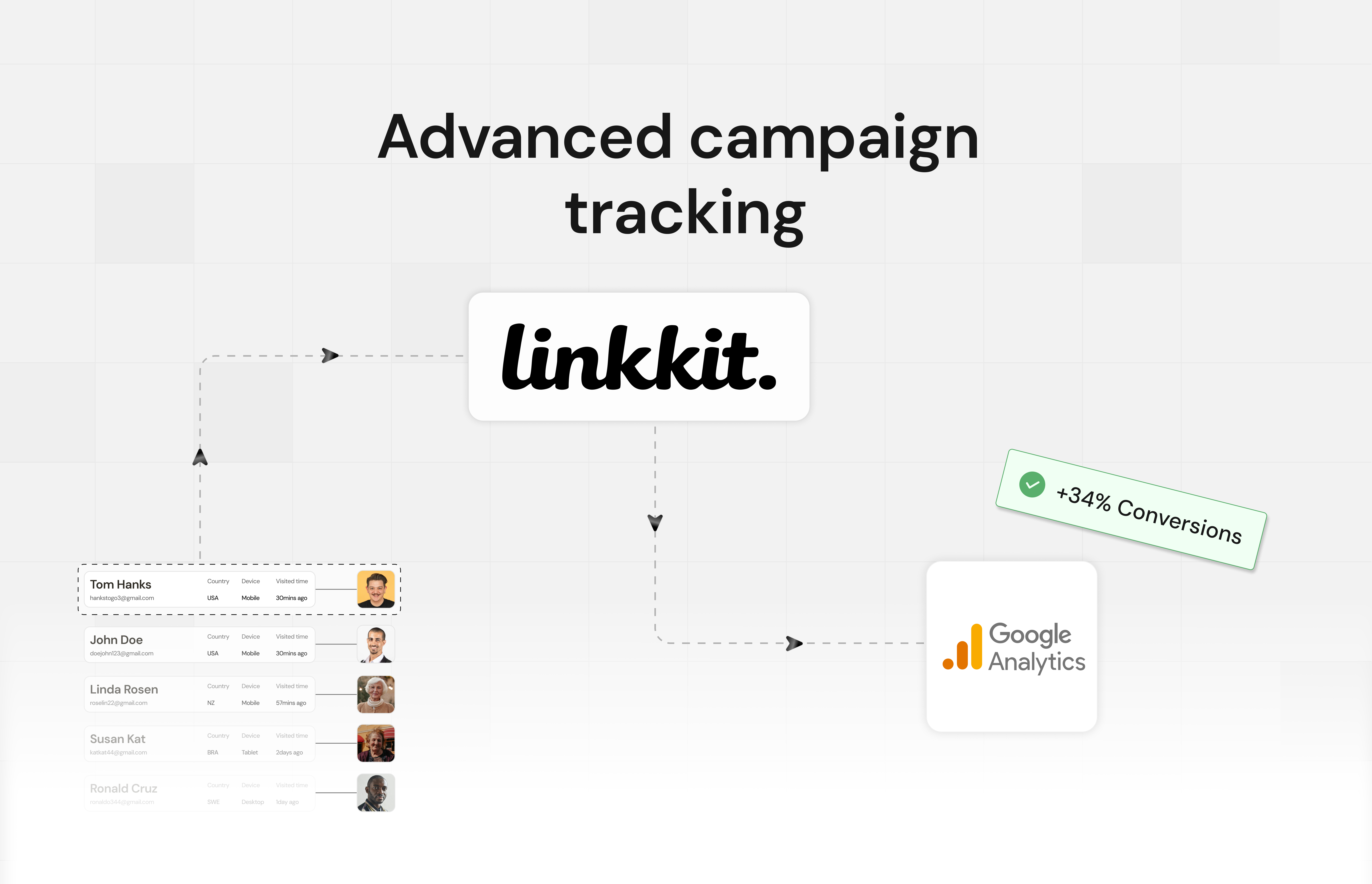
Add your GA4 Measurement ID to any short link and Linkkit will fire a pageview in Google Analytics every time someone clicks it.
About Google Analytics
When someone clicks your short link, Linkkit loads a redirect page that fires the standard Google Analytics gtag.js pageview — exactly like visiting a page on your own website. The hit shows up in your GA4 property in real time.
How to set it up
Open any link in Linkkit and click Edit
Click Ad Tracking in the link toolbar
Paste your Measurement ID — GA4 (
G-XXXXXXXX), Universal Analytics (UA-XXXXXX-X), or Google Ads (AW-XXXXXXXXX)Save — the next click will appear in GA4 under Reports → Realtime
What gets tracked
A standard pageview event fires on every click
GA4 captures the visitor's browser, device, and country automatically
The referrer (where the click came from) is passed through to GA4
Limitations
May produce less accurate data when link cloaking is enabled — the tracking hit fires from the Linkkit redirect page, not the destination
Fires a pageview, not a custom click event — use Google Tag Manager if you need custom events
Client-side only — visitors with JavaScript disabled or strict ad blockers may not be tracked
Popular integrations

Slack
Get real-time link click notifications and reports directly in your Slack channels.

HubSpot
Sync Linkkit click data with HubSpot CRM to enrich your contact and deal records.

WordPress
Automatically shorten links in your WordPress posts and pages with Linkkit.

Notion
Embed trackable Linkkit short links directly into your Notion workspaces and docs.

Facebook Meta Pixel
Fire your Facebook Pixel on every link click and track conversions directly in Meta Ads Manager.

Shopify
Create trackable short links for your Shopify products and marketing campaigns.