Linkkit Team
Building the future of link management and analytics.
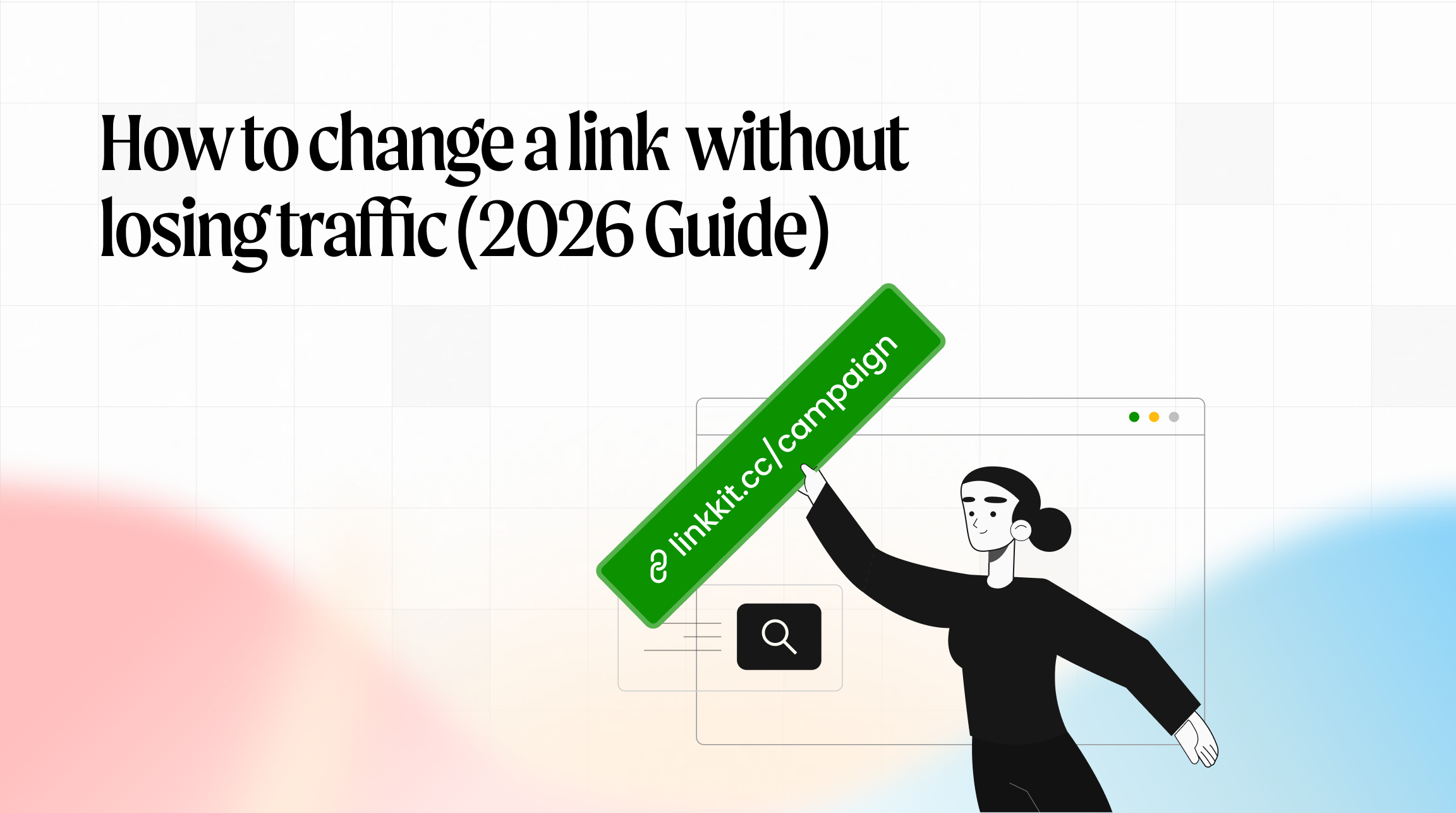
Changing a link sounds simple.
But if that link is already live in ads, emails, social posts, affiliate campaigns, or QR codes, updating it incorrectly can break redirects, split analytics, and cost you valuable traffic. This guide explains how to change a short link safely without losing traffic, tracking data, or SEO value.
Why change a link?
Businesses update links for many practical reasons.
Stronger branding: Clean, structured short URLs build trust and improve click-through rates.
Better readability: Clear slugs increase engagement across social media and email.
Campaign updates: Adjust link naming to reflect seasonal offers or new messaging.
Tracking optimization: Modify UTM parameters or landing pages without resetting performance data.
Updating links is part of proper link management — but it must be done correctly.
The risk of changing a short link incorrectly
Many people delete a short link and create a new one.
That can cause:
Broken email campaigns: Old newsletters continue sending users to 404 errors.
Lost social traffic: Evergreen posts stop driving clicks.
Dead QR codes: Printed marketing materials become useless.
Wasted ad spend: Paid traffic flows to inactive URLs.
Lost analytics data: Click history resets, making campaign reporting unreliable.
Once a link is public, it becomes part of your marketing infrastructure.
Step 1: Identify what you’re changing
There are two common scenarios in short link management:
1️⃣ Updating the destination URL
The short link remains the same, but the landing page changes.
2️⃣ Changing the short link slug
The visible part of the short URL changes (example: /launch2025 → /summer-offer).
Each scenario requires a different approach.
Safest method: Update the destination URL
If you simply need to update where the link points:
Keep the short URL active
Edit the destination inside your dashboard
Save changes
The public-facing short link stays the same.
Traffic continues flowing.
Click tracking remains unified.
No links broken.
This is the cleanest way to change a link without losing traffic.
If you need to change the short link slug
If you must change: linkkit.cc/launch2025
tolinkkit.cc/summer-offer
Never delete the original link.
Instead:
Keep the old slug active
Create the new slug
Add a 301 redirect from old → new
A 301 redirect tells browsers and search engines that the change is permanent.
This ensures:
✔ No broken short URLs
✔ Preserved link analytics
✔ Working QR codes
✔ Maintained SEO signals
What happens to SEO when you change a link?
Short links themselves usually don’t rank, but they can pass traffic and referral signals.
If you remove a link without a redirect:
You lose referral traffic
You break backlink flows
You disrupt campaign attribution
Using a 301 redirect protects your traffic and preserves tracking continuity.
How Linkkit helps you change links safely
Linkkit is a short link and link analytics platform built for structured link management and campaign tracking.
With Linkkit, you can:
✔ Edit destination URLs without breaking the short link
✔ Control 301 redirects
✔ Update slugs safely
✔ Preserve historical click tracking
✔ Organise links by campaign and tags
Instead of deleting and recreating links, you manage them properly — without losing traffic.
Common link management mistakes to avoid
❌ Deleting live short links
❌ Changing slugs without redirect mapping
❌ Ignoring existing QR code placements
❌ Breaking UTM tracking parameters
❌ Creating duplicate short links for one campaign
Smart link tracking software prevents these mistakes.
Final thoughts
Changing a link does not have to mean losing traffic. Keep original short URLs active.Use proper 301 redirects for permanent changes. Avoid deleting links that are already public. With the right short link management system, you stay flexible while protecting traffic and analytics.