
QR Code Analytics
Track scans and analyze QR code performance
QR Code Analytics in Linkkit helps you track, measure, and improve the performance of every QR code you create. Each time someone scans your QR code, Linkkit records the activity and provides actionable insights inside your dashboard.
With real-time tracking and visual reports, you can monitor campaign effectiveness, understand audience behavior, and optimize your marketing strategy.
What Data Does QR Analytics Track?
When someone scans your QR code, Linkkit captures detailed performance data to help you understand audience behavior and campaign effectiveness. Below is a deeper look at each metric:
Total Scan Count
This shows the complete number of times your QR code has been scanned.
Every successful scan is recorded as a tracked click
Multiple scans from the same user are counted individually
Helps measure overall engagement and campaign reach
Useful for comparing performance across different QR placements
Monitoring total scans helps you quickly identify high-performing and underperforming QR codes.
Date & Time Activity
Track exactly when your QR code is being scanned.
View scans by hour, day, week, or month
Identify peak engagement times
Measure performance during specific promotions or events
Detect traffic spikes after launching a campaign
Time-based insights help you optimize campaign timing and promotional schedules.
Geographic Location
Understand where your audience is scanning from.
Country-level performance tracking
Regional insights for targeted marketing
Identify strong-performing markets
Adjust messaging based on geographic trends
Location data is especially useful for businesses running regional campaigns or international promotions.
Device & Platform Data
See what type of devices are used to scan your QR code.
Mobile vs tablet usage
Operating system insights (where available)
Helps ensure landing pages are mobile-optimized
Detect device trends across campaigns
Since most QR scans happen on smartphones, this data helps you improve mobile user experience and page performance.
Campaign-Level Insights
If your QR codes are organized using campaigns or tags, you can analyze grouped performance data.
Compare multiple QR codes within a single campaign
Track performance across offline and online channels
Measure ROI for events, packaging, print ads, or product promotions
Identify which marketing channels generate the highest engagement
Campaign-level tracking allows you to move beyond individual scans and evaluate overall marketing impact.
If your QR code is linked to a campaign or tagged, you can evaluate performance by campaign group.
If your QR code is linked to a campaign or tagged, you can evaluate performance by campaign group.
How to Access QR Code Analytics
Log in to your Linkkit dashboard
Go to the QR Codes section
Select the QR code you want to review
Click View Analytics
You’ll see charts, metrics, and filters that allow you to explore scan data in detail.
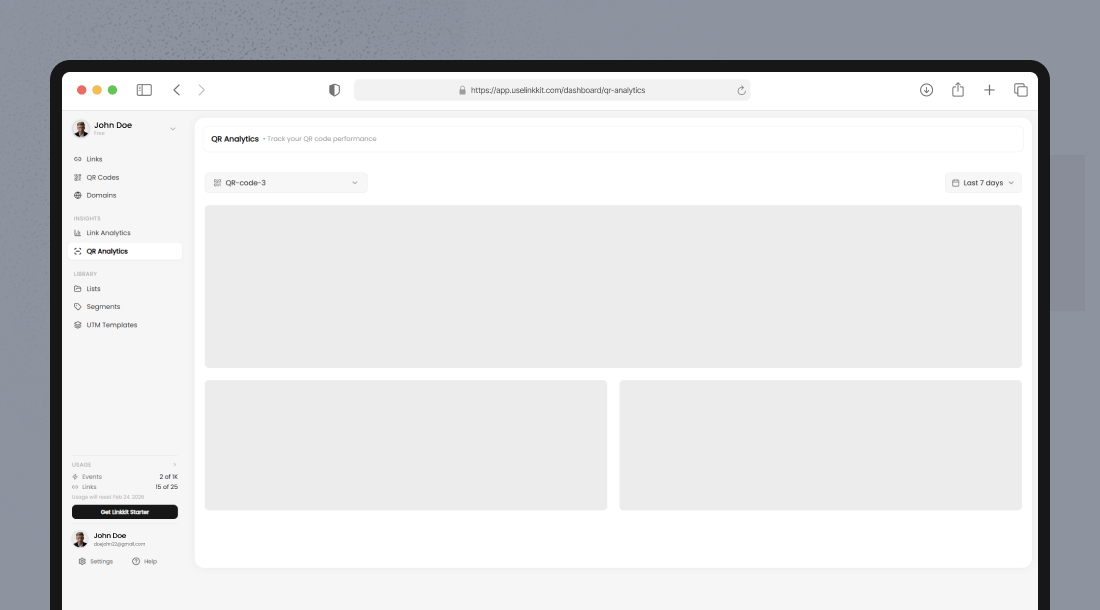
Understanding Scan Tracking
Every time someone scans your QR code, Linkkit processes that action just like a tracked link click. This ensures accurate reporting and seamless integration with your overall analytics system.
Here’s a more detailed breakdown of how scan tracking works:
Scans Count Toward Your Monthly Click Quota
Each successful QR code scan is recorded as a tracked click under your current Linkkit plan.
If a user scans the same QR code multiple times, each scan is counted separately
Scans contribute to your monthly usage limit
Both digital link clicks and QR scans are tracked under the same reporting structure
This unified tracking system ensures consistent measurement across all traffic sources.
Data Appears in Near Real Time
Linkkit processes scan data almost instantly.
New scans typically appear in your analytics dashboard shortly after they occur
This allows you to monitor live campaign performance
You can quickly detect traffic spikes after launching a promotion or distributing printed materials
Real-time insights help you make fast adjustments if needed
For time-sensitive campaigns (events, product launches, limited offers), near real-time tracking is especially valuable.
Integrated With Your Full Analytics Dashboard
QR scan data is not stored separately — it’s fully integrated into your main analytics system.
This means you can:
View QR performance alongside regular link performance
Apply the same filters (date range, location, device type, campaign tags)
Compare offline QR traffic with digital traffic
Track user behavior from scan to final action
This integration provides a complete view of your marketing ecosystem.
Comparing QR Code Performance
If you’re running multiple QR codes across campaigns, locations, packaging, or print materials, comparing performance helps you identify what works best.
With QR analytics, you can:
Evaluate total scans for each QR code
Compare engagement across different cities, stores, or regions
Test different QR code sizes and placements (posters, flyers, packaging, banners)
Measure the impact of various calls-to-action (e.g., “Scan to Get 20% Off” vs. “Scan to Learn More”)
Analyze which campaign tags generate the highest interaction
By reviewing this data side-by-side, you can:
Shift budget toward high-performing placements
Improve underperforming designs
Optimize messaging and positioning
Replicate successful strategies in future campaigns
Performance comparison allows you to move from guesswork to data-driven QR marketing decisions.
Exporting QR Analytics
Linkkit allows you to export your QR code analytics data in CSV format for deeper analysis and reporting.
Exported data can be used to:
Share performance reports with clients or internal teams
Demonstrate ROI from offline campaigns
Track long-term scan trends
Integrate QR data into marketing dashboards
You can combine QR analytics with other marketing metrics, such as:
Website traffic
Conversion rates
Sales performance
Paid advertising results
This gives you a complete view of your omnichannel marketing performance — connecting offline engagement (QR scans) with online actions and business outcomes.